
Payment Link
Payment Link
Click "Take payment" and the link is ready
In Turasistan App, the payment link is created automatically from the customer's balance. You don't retype the amount, calculate the exchange rate by hand, or deal with IBANs and receipts. The link goes to the customer by SMS, the customer pays, and the collection is posted to accounting on its own.
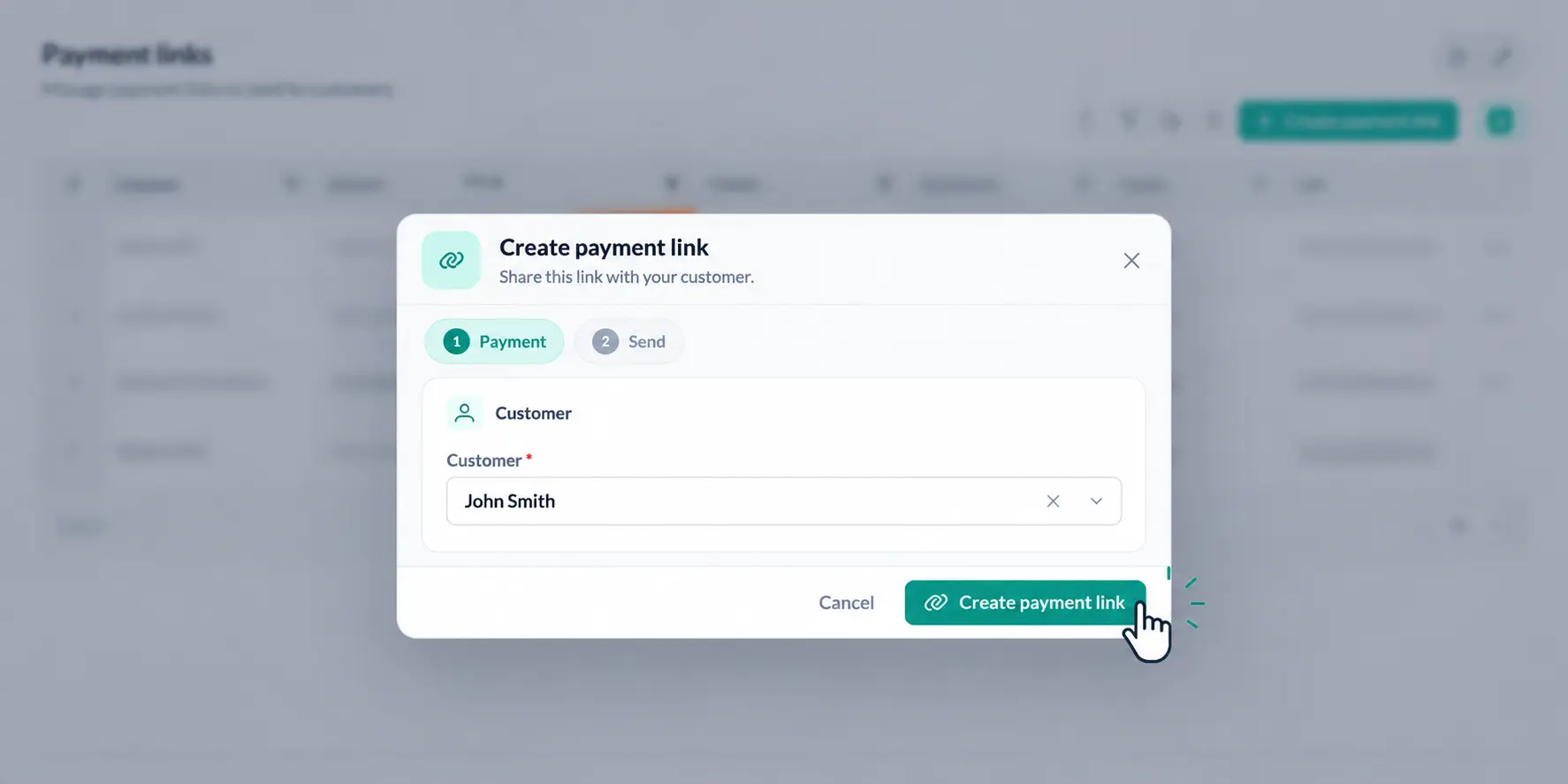
— Link settings
What do you set when creating the link?
| Setting | What it does |
|---|---|
| Amount | Comes automatically from the customer's balance |
| Currency | For balances in foreign currency, the TRY equivalent is calculated at the current rate |
| Validity period | Sets how long the link stays open |
| Payment due date | Shows the latest date by which the customer should pay |
| Single use | The link becomes invalid once it has been used |
— SMS delivery
How does the link reach the customer?
The link goes to the customer's phone by SMS as a short link, with the message text prepared automatically. When the customer taps the link, a payment page opens with Turkish, English, French and Arabic options.
— Secure payment page
The payment page your customer sees
— Automatic posting
After the payment arrives
Once the payment is approved, the agency gets a notification, the collection is posted to accounting automatically and the customer's balance is closed. There is no need to post the collection to accounting separately or to check lists to see who has paid.
— One accounting
In the same accounting as your other collection methods
The payment link is one of the collection methods in Turasistan. Bank transfer, cash, card and installment collections, multiple collections and bulk collections from Excel are all brought together in the same accounting.
However the customer's balance is paid, it shows in one place.
How does it work?
Take payment
Choose "Take payment" from the customer's balance; the amount comes in automatically.
Set the options
Set the validity period, the payment due date and, if needed, the single-use option.
Send
Let the short link go to the customer by SMS with a ready message.
Track
Get notified when the payment is approved; the collection is posted to accounting and the balance is closed.
Learn more
See what payment links give your agency on our Online Payments page, and the full picture of cash, bank and collection management on our Accounting and Finance page. The payment link is included in the Full Package.
Ready to collect payments with a single click?
Send payment links and let collections post to accounting on their own with Turasistan App.
The amount comes from the customer's balance; for balances in foreign currency, the TRY equivalent is calculated at the current rate.